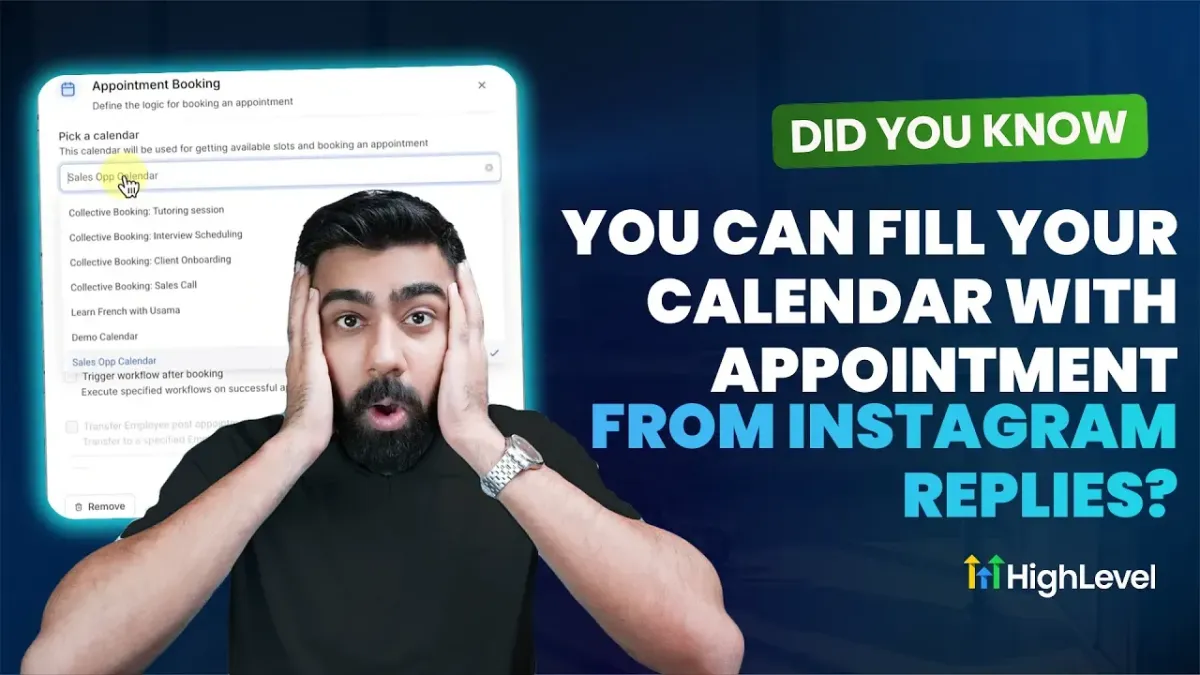
Did You Know You Can Fill Your Calendar with Appointment from Instagram Replies?
HighLevel lets you book appointments with Instagram on autopilot
What if your Instagram DMs could automatically turn into booked appointments while you focus on running your business? With HighLevel Conversation AI, you can connect Instagram, deploy an appointment booking bot and let it handle scheduling for you in real time.
Here is how it works and how to set it up.
HighLevel Instagram integration for automatic DM sync
Before your AI bot can book appointments, you need to connect Instagram to HighLevel.
1️⃣ Go to Settings in your HighLevel account
2️⃣ Click Integrations
3️⃣ Connect your Facebook and Instagram pages
4️⃣ Choose your Instagram account and complete the permissions
Once connected, Instagram messages will start appearing inside the Conversations tab in HighLevel. This ensures every DM can trigger automation or AI responses.
If messages are not syncing, double check:
✅ Instagram DM sync is enabled in Settings
✅ LeadConnector app permissions are fully granted in Facebook Business Integrations
✅ You reconnect the integration after updating permissions
👉 HighLevel also provides a built in troubleshoot option to help you quickly resolve syncing issues.
HighLevel Conversation AI appointment booking bot setup
After Instagram is connected, the next step is creating your appointment booking bot.
1️⃣ Navigate to Conversation AI
2️⃣ Click Create Bot and choose the appointment booking option
3️⃣ Name your bot and set it to Autopilot
4️⃣ Enable Instagram as a supported channel
Inside the bot settings, you can:
✅ Set response delay timing
✅ Limit how many messages the bot sends per conversation
✅ Pause the bot after an appointment is booked
✅ Allow cancellations or reschedules if desired
To make the bot truly effective, configure the Bot Goals section. Define the personality, intent and additional instructions so it reflects your brand voice. You can also connect a knowledge base to improve accuracy.
Most importantly, enable the Appointment Booking Action and select the calendar where appointments should be scheduled. Once linked, the AI will pull real time availability directly from your calendar.
HighLevel Instagram appointment booking in action
When someone sends a message to your Instagram account, the AI can instantly:
✅ Ask if they would like to book an appointment
✅ Show available time slots from your connected calendar
✅ Confirm the selected time
✅ Automatically create the appointment
The appointment is logged inside HighLevel with Conversation AI listed as the source. From the customer’s perspective, it feels seamless and immediate. From your perspective, it saves time and increases conversions.
While not every conversation will be as direct as a simple yes to booking, a well crafted prompt helps guide leads toward scheduling naturally and professionally.
Why HighLevel Instagram appointment booking matters
Instagram is already where your audience engages with your brand. Instead of manually responding to every inquiry, you can turn conversations into confirmed bookings automatically.
That means:
✅ Faster response times
✅ Fewer missed opportunities
✅ A fuller calendar without extra admin work
If you are serious about converting Instagram engagement into real revenue, this feature is the answer.
Login or start a free trial today to try it for yourself!
Relevant Help Articles: