Release Radar Blog for the Week of Feb 23rd
February 23rd - February 27th 2026
Time Stamps
🚀 00:00 Weekly Releases Kickoff
🇮🇳 00:17 India Event Updates
📍 00:49 Where You’re Tuning In
📤 02:04 Bulk Export Companies
🌐 03:09 WordPress Snapshots
💼 04:35 LinkedIn Ads Snapshots
💬 05:16 RCS Messaging Beta
🔎 07:10 Sort by Custom Fields
📞 07:48 Phone Compliance Updates
📅 08:37 New Calendar Settings
🤖 09:16 AI Response Styles
🆕 10:24 SaaS Onboarding Revamp
📝 11:48 Blog Importer Improvements
📊 12:30 Reselling Reporting Dashboard
⚡ 13:39 Workflow AI Faster
🔗 14:46 Advanced Builder Auto-Connect
⏪ 15:30 Builder Version Restore
📥 16:12 Bulk Import Custom Objects
🗂️ 16:24 Custom Objects Bulk Actions
🛠️ 17:03 Advanced Workflow Builder Access
🎨 17:56 Vibe Coding Agent Studio
🎓 20:04 Free Beginner Course Drop
💻 21:20 LeadConnector Desktop App
🔌 23:14 Deploy Agents via API
🆔 24:04 Enhancements and Record IDs
📚 25:03 Labs Course Media Import
🖼️ 26:36 Canva Media Storage Integration
🏢 28:42 Bulk Import Companies
🙌 29:30 Community Shout Outs
👀 33:40 Vibe Code Builder Preview
📈 35:14 SLA Reporting and Tablet Mode
🏁 36:39 Release Radar Wrap Up
🔥 Featured Releases 🔥
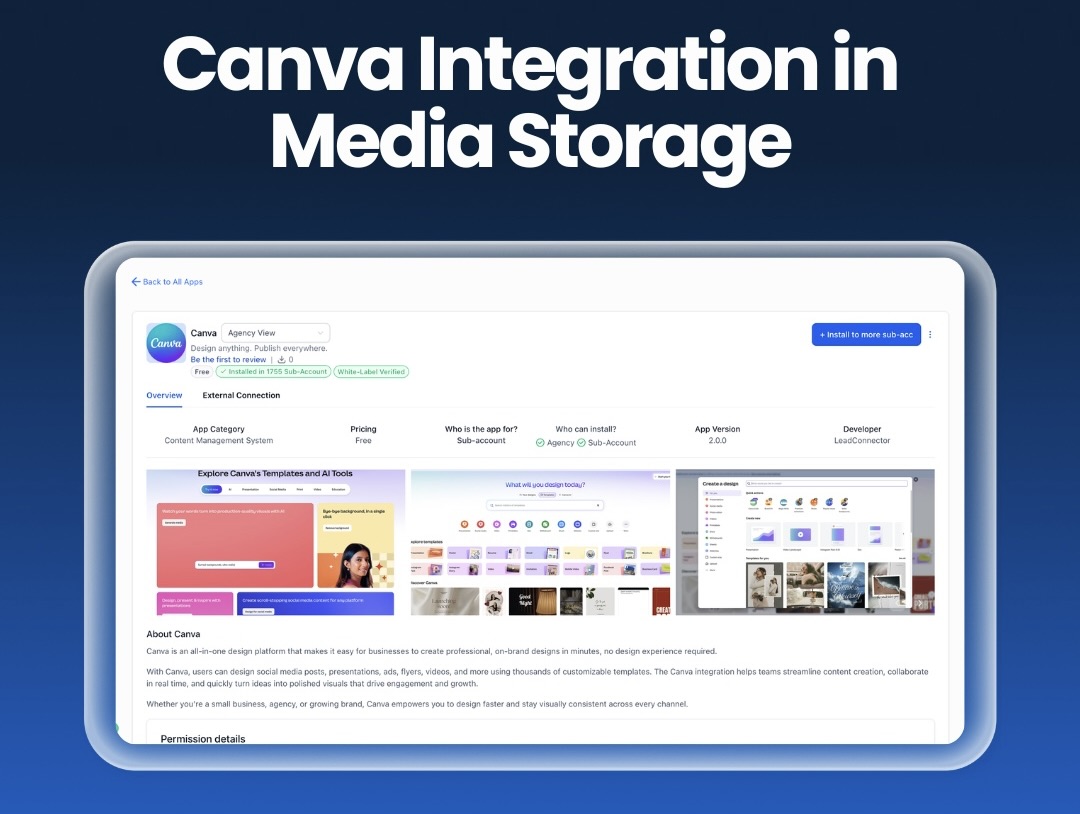
Canva Integration in Media Storage
Connect Canva directly inside Media Storage to browse, edit, download and import your designs without switching tabs or juggling files.
With this update, Canva becomes a native source inside Media Storage: connect one Canva account per location to unlock a dedicated Canva tab where everyone in that location can browse, search, download and import designs with a familiar Google Drive-style experience. The installer gets full edit-in-Canva access, imports create independent assets in My Media and smart tracking helps prevent duplicate Canva copies when editing from My Media.
Voice AI: Live Transcripts for Agent Trial Web Calls
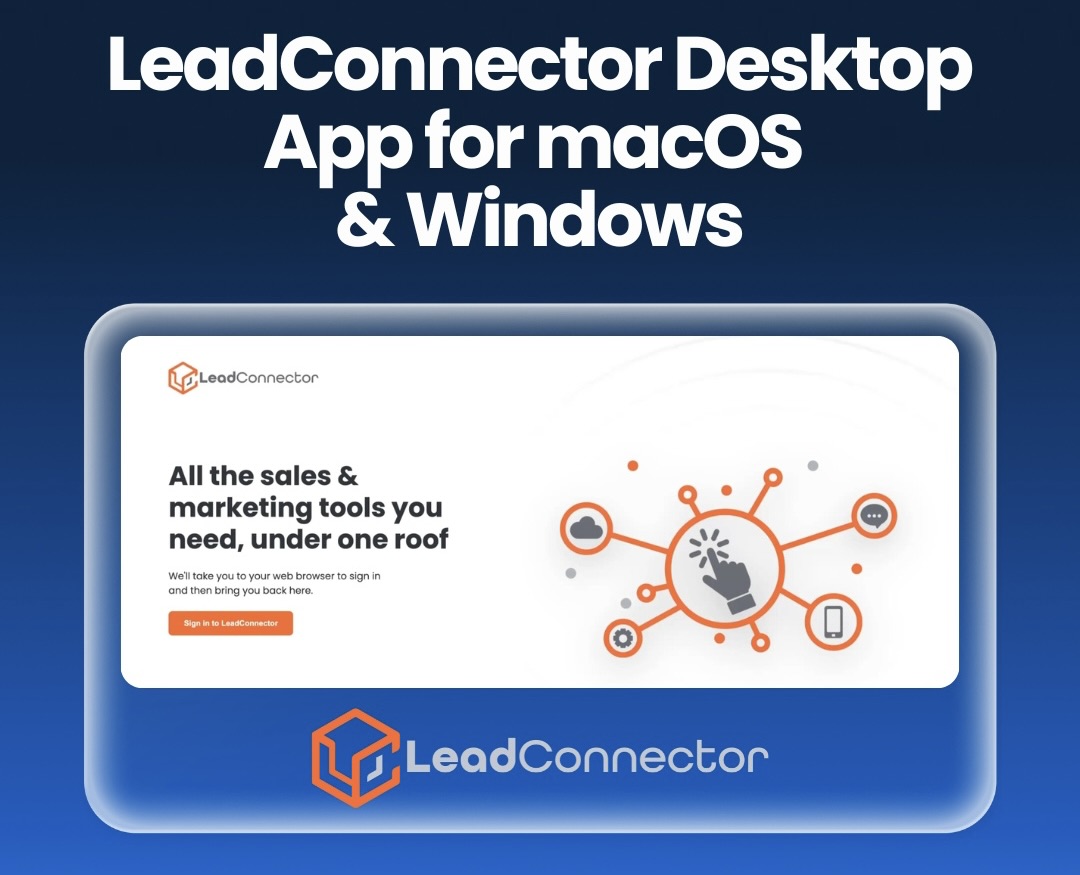
The LeadConnector Desktop App, is now available on macOS and Windows, delivering a dedicated and optimized experience beyond the browser.
The new Grey Label (LeadConnector) Desktop App lets you run LeadConnector outside the browser for a faster, more stable, distraction-free workspace-complete with native OS notifications and quick access from your dock or taskbar. It’s designed to reduce browser-related issues (crashes/extensions) while improving overall performance and navigation with upcoming plans that include white-labeling, Linux support, App Store/Microsoft Store listings and continued performance improvements.
Documents & Contracts: Staff Selection in Templates
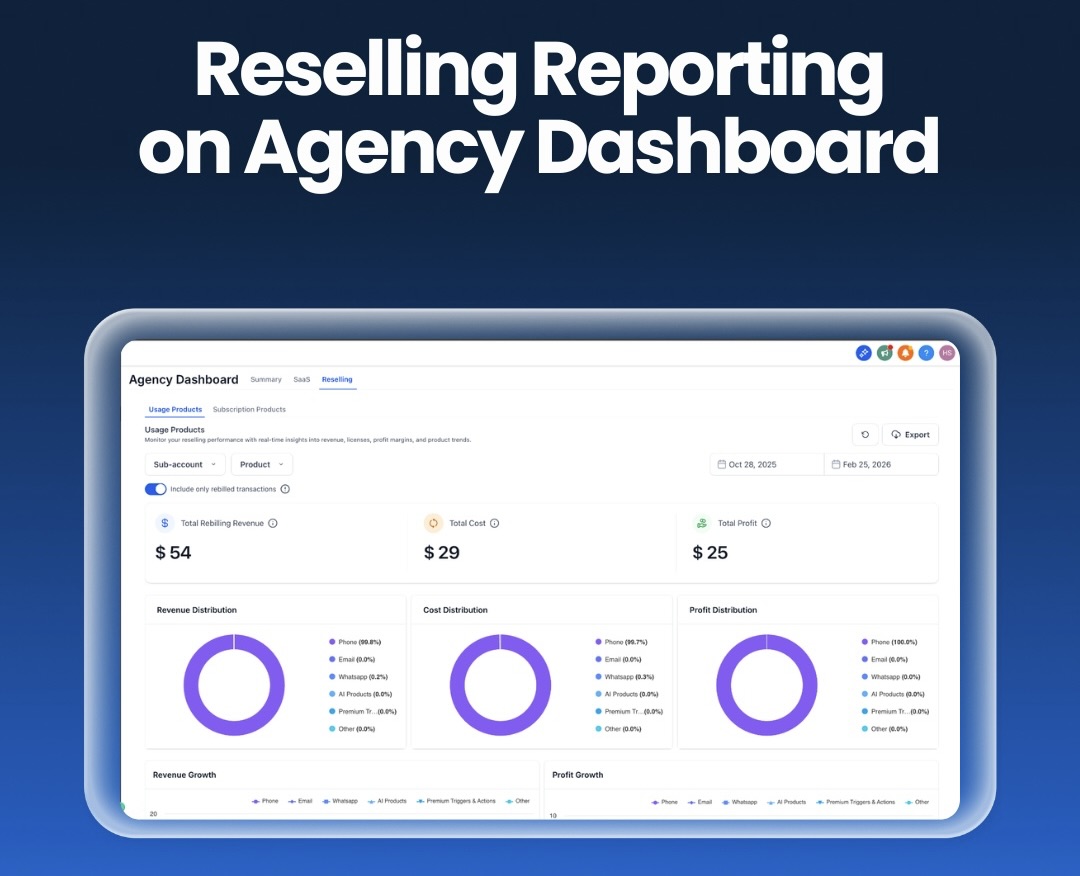
Reselling Reporting is now live on the Agency Dashboard, giving you clear visibility into revenue, costs, profit, MRR and product performance across all services.
With the new Reselling tab, agencies can track monetized services across sub-accounts with structured reporting for both Usage Products and Subscription Products. Use filters like sub-account, product, date range, and rebilled-only toggles, then review instant KPI summaries (re-billed revenue, cost, profit; plus reselling revenue and MRR) alongside distribution and trend widgets to understand what’s driving revenue, margin and growth over time. Exportable, product-level insights turn reselling into a measurable channel-making it easier to spot high-margin services, underperformers and upsell opportunities.
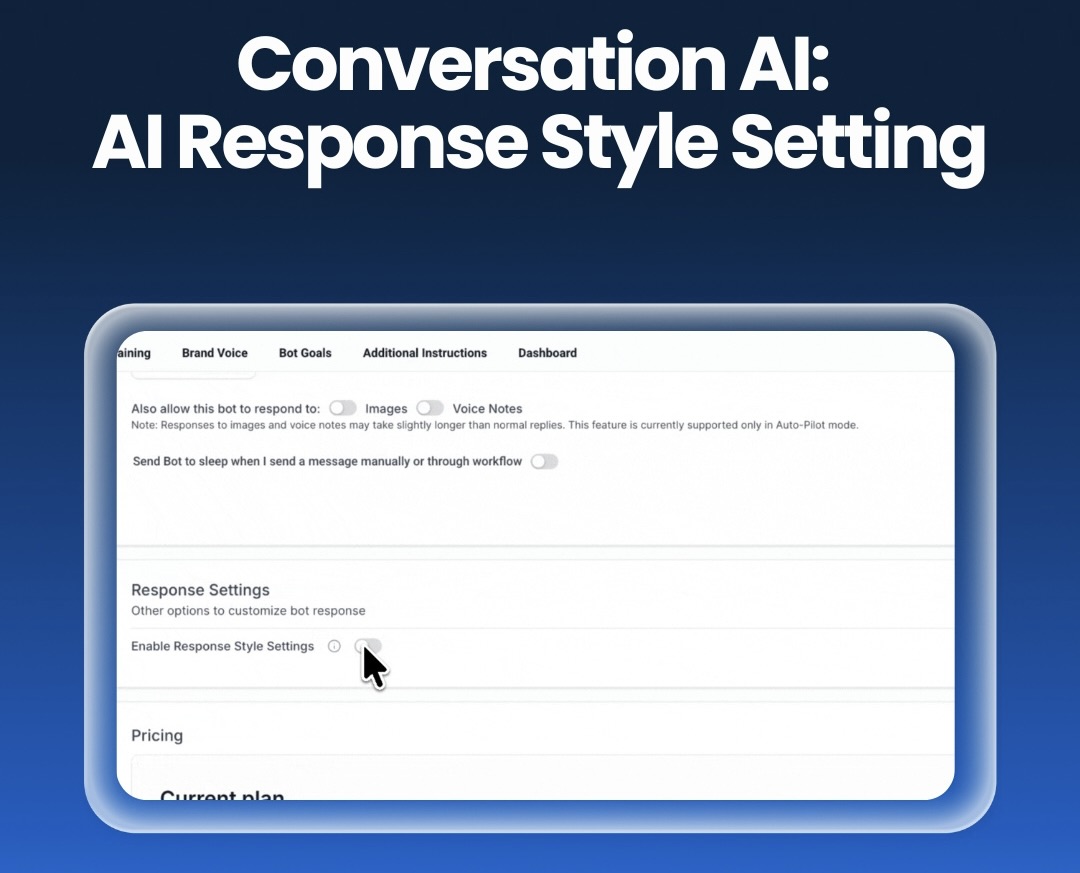
Conversation AI: AI Response Style Setting
Response Style Settings in Conversation Al let you choose Concise, Balanced, or Detailed bot replies directly from Bot Settings.
This update adds an optional Response Settings section in Conversation AI → Bot Settings, letting you toggle Response Style on/off and choose Concise, Balanced or Detailed depending on your use case. The selection applies per bot, so you can keep quick chatbots snappy while enabling richer FAQ/support answers where more depth is needed without rewriting prompts. Response length is a soft limit and it’s best to avoid adding conflicting word-count instructions in your custom prompts when this setting is enabled.
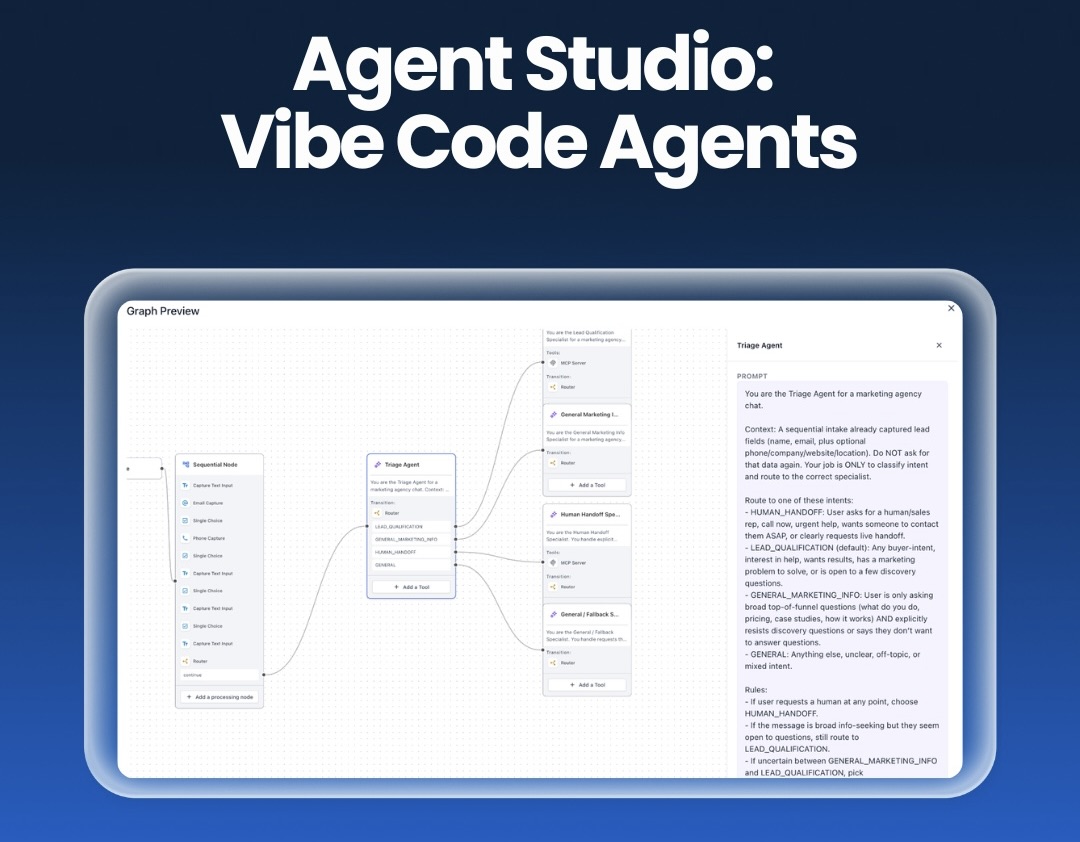
Agent Studio: Vibe Code Agents
A native Al assistant is now built directly into Agent Studio, letting you create, refine and test agents through natural conversation with no manual setup required.
With this release, Agent Studio now includes a built-in AI assistant that can generate new agents or modify existing ones via chat, preview proposed changes with a visual graph before applying and test agents end-to-end using automated smoke tests plus LLM-generated test suites with results shown inline. It also keeps version-scoped conversation history, streams responses and outputs in real time for a more responsive build flow and uses adaptive model routing with built-in web search to speed up agent creation, iteration and validation directly inside the Studio.
For a complete overview of this week’s updates, 👉🏻 check out the slides here.
New to HighLevel? Start a FREE TRIAL today!