Release Radar Blog for the Week of March 30th
March 30th - April 3rd 2026
Time Stamps
🚀 00:00 Release Radar Kickoff
💰 01:01 Calendar Pricing Controls
🌍 02:27 Time Zone Viewing
📱 03:06 Service Calendar Mobile Tools
📍 03:54 Mobile Booking Locations
⚙️ 05:41 Workflow Guest Triggers
🔄 07:24 Booking Flow Improvements
🎵 08:19 TikTok Comment Management
📣 09:11 Local Chapters Plug
📞 10:19 Phone System Updates
🌐 13:11 AI Studio Domain Management
💳 14:42 Documents Card On File
⚖️ 15:36 Preference Management Tweaks
🧱 17:41 Funnels Border Controls
📧 19:22 Email Sequences Beta
📊 20:54 Workflow Enrollment Insights
🤖 21:43 AI Builder Clarifying Agents
🧠 21:57 Clarifying Agents
🛠️ 22:43 Workflow Builder Upgrades
🎨 25:01 Ad Manager UI Revamp
💬 25:45 Embedded Chat Widgets
✨ 26:38 Kollab UI Refresh
✍️ 27:41 Agent Studio Prompt Enhancer
📢 28:27 Announcement Banner Controls
📈 30:09 Social Planner Stats Comparison
🏢 31:01 Agency Reselling Widgets
🎁 33:01 Gift Cards Go Live
🧩 34:31 Weekly Enhancements Roundup
📤 35:50 Labs Audit Log Export
📉 37:15 SMS Analytics V2
🙌 38:06 Community Shoutouts
👀 40:35 Coming Soon Sneak Peek
🚫 41:01 Unpublish Pages Feature
🎥 41:53 Live Meetings for Communities
👋 45:09 Wrap Up and Goodbye
🔥 Featured Releases 🔥
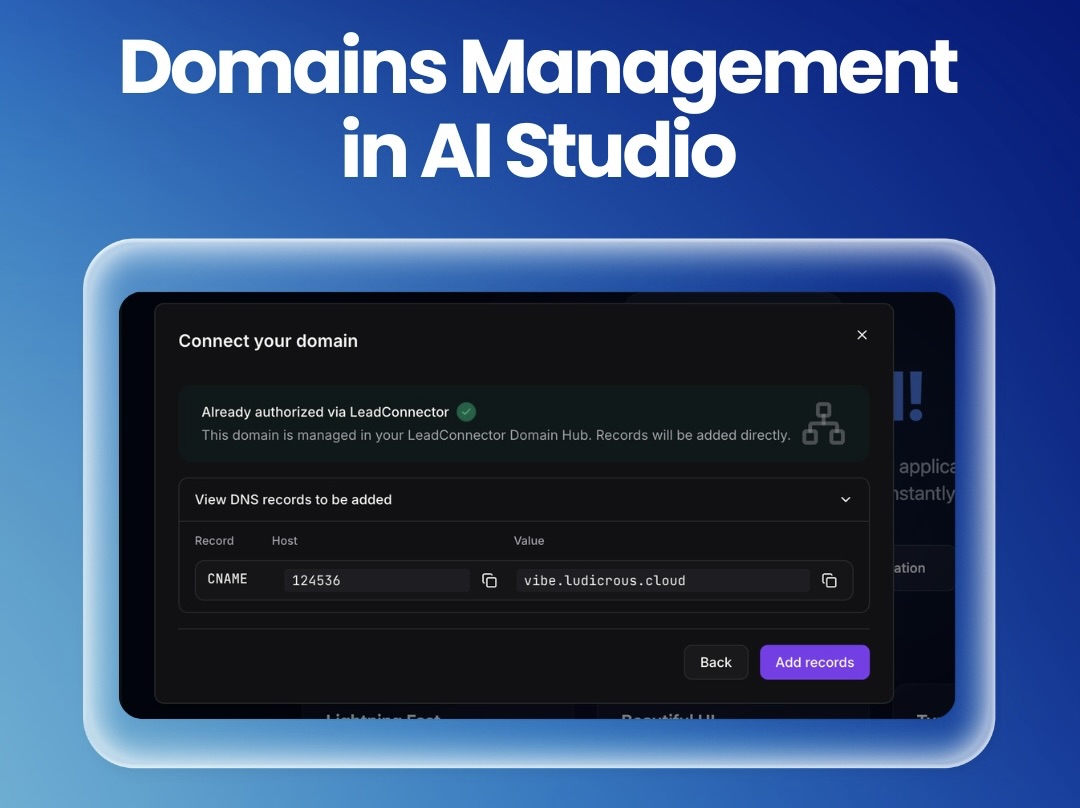
Domains Management in AI Studio
Al Studio now makes connecting HighLevel domains seamless with guided setup and smarter conflict alerts.
Vibe’s domain connect wizard can now detect domains already managed in HighLevel and walk you through authorization and DNS setup right in the guided flow; no more detouring into the generic “Other Providers” steps. Along the way, it proactively surfaces DNS record conflicts before you make changes, clearly warns you when records need to be replaced, and explains connection blocks with more consistent, easy-to-understand messaging.
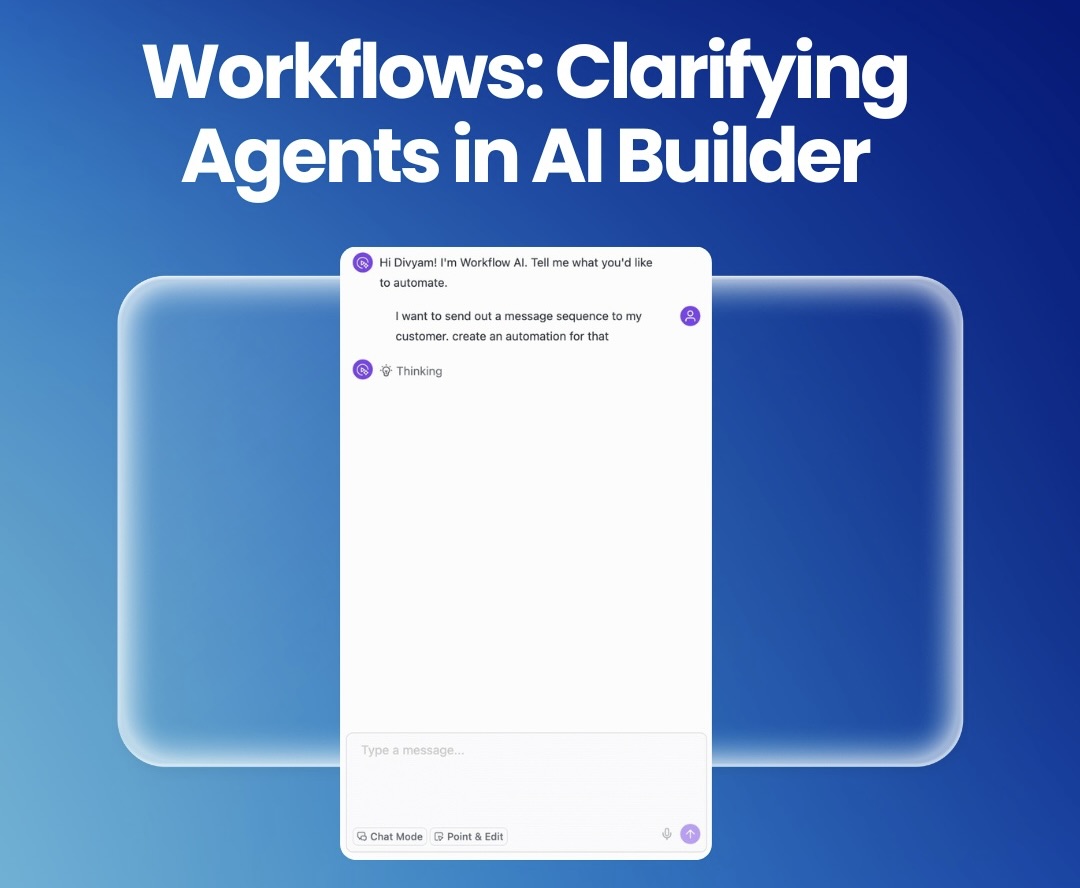
Workflows: Clarifying Agents in AI Builder
Al Builder now asks the right questions first so your workflows are accurate from the start.
With the new Clarifying Agent, AI Builder pauses when key details are missing and asks up to three focused questions before building or applying edits; so it doesn’t guess triggers, channels or timing. Answers are presented as quick multiple-choice options with the ability to type or skip, resulting in better first-pass workflows, fewer back-and-forth revisions and lower token usage.
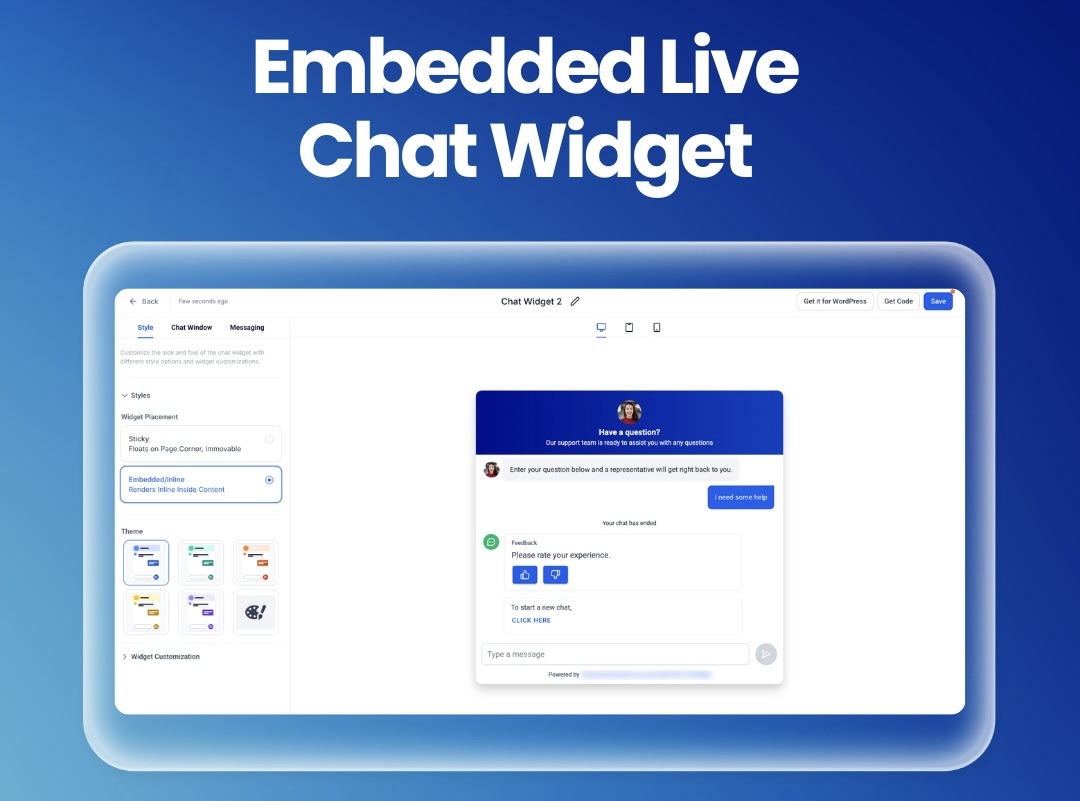
Embedded Live Chat Widget
Embed your Live Chat directly into your pages for a more seamless and conversion focused experience.
You can now place the Live Chat Widget inline within your page content, making chat feel like a native part of your layout and putting it right next to key conversion moments like CTAs, forms, or pricing sections. Simply choose the new Embedded/Inline placement in the widget’s style settings, customize with an inline-focused preview, copy the embed code and drop it into your funnel or website; fully mobile-responsive, with the existing sticky behavior unchanged and backend chat workflows unaffected.
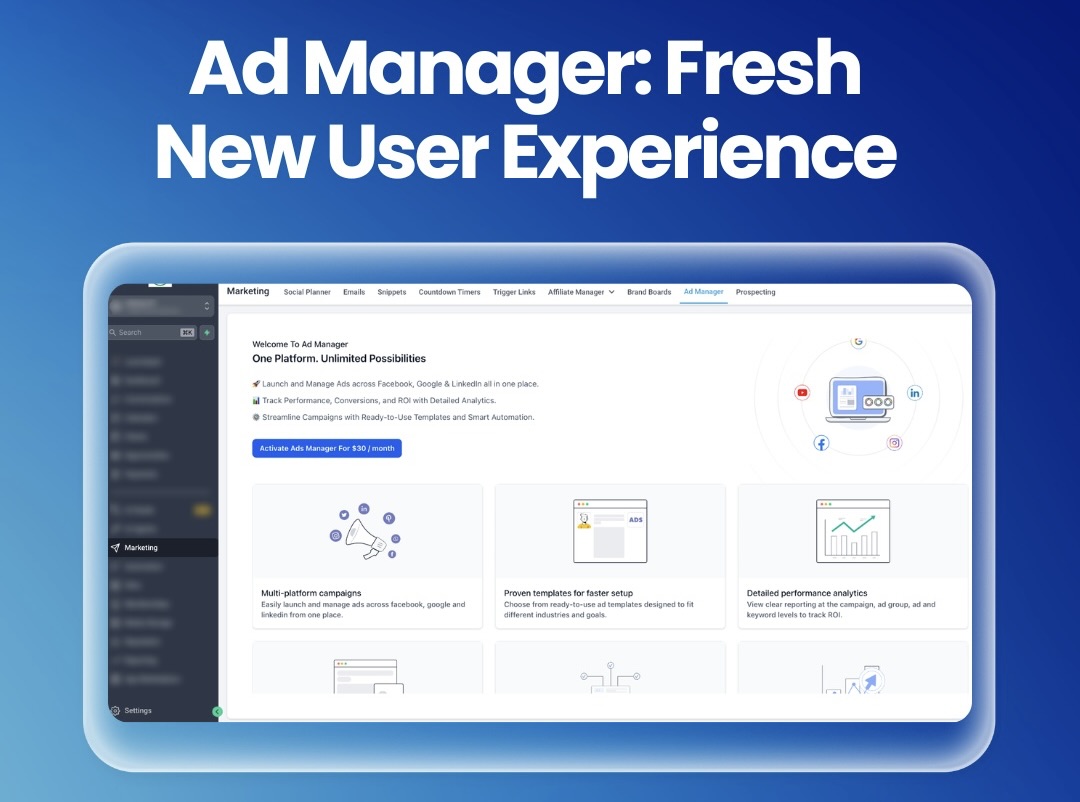
Ad Manager: Fresh New User Experience
Ad Manager just got a complete redesign for a smoother, more intuitive way to create, manage and optimize campaigns.
The entire Ad Manager experience has been rebuilt with a modern, consistent UI across everything from onboarding and campaign building to review, publishing and performance tracking. You’ll see a cleaner step-by-step creation flow with better validation, a revamped campaign listing with quick performance insights and improved review/preview screen; making it faster to launch, easier to navigate and simpler to optimize with fewer errors.
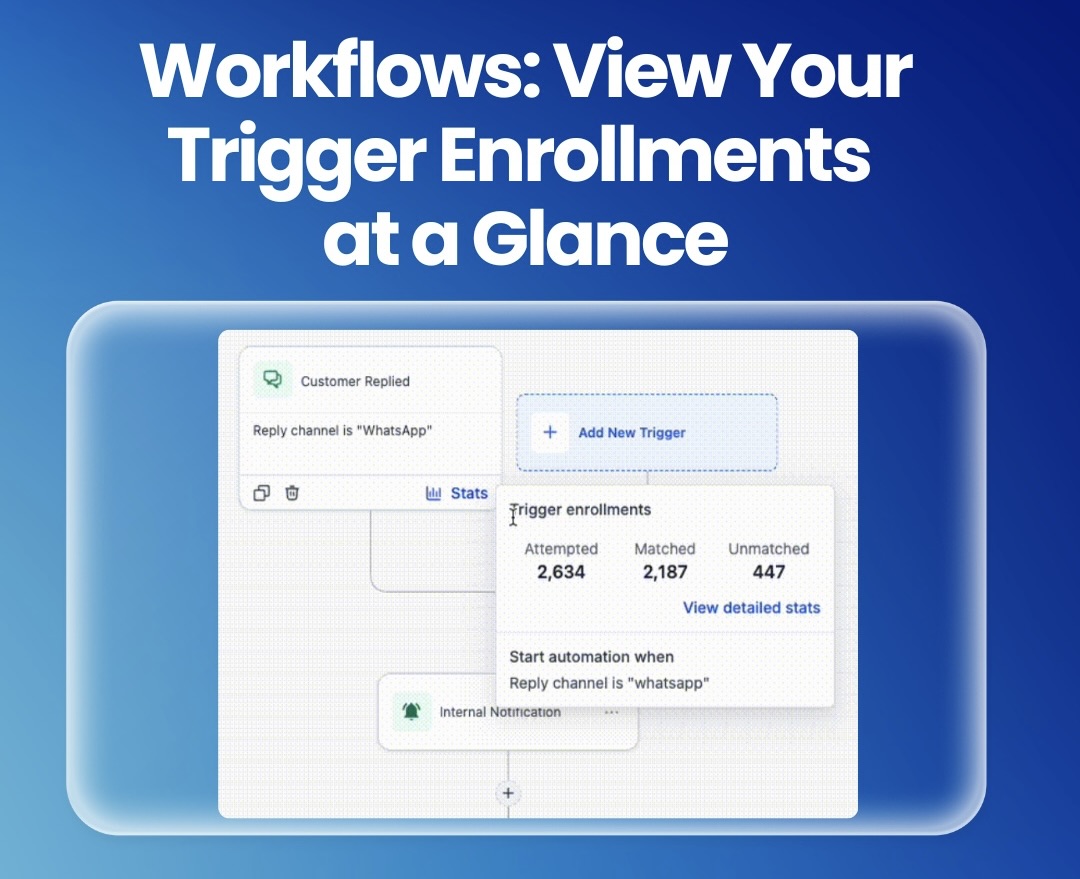
Workflows: View Your Trigger Enrollments at a Glance
Trigger Stats now gives you instant visibility into enrollment performance right inside your workflow.
You can now view trigger enrollment stats directly on the trigger in the workflow builder, giving you an at-a-glance snapshot of contacts attempted, matched and unmatched, without leaving the workflow. From the same spot, you can open a detailed dashboard to drill into contact-level results, top unmatched reasons and search for specific contacts, making it much faster to validate enrollment behavior and troubleshoot filters in both standard and advanced builders.
For a complete overview of this week’s updates, 👉🏻 check out the slides here.
New to HighLevel? Start a FREE TRIAL today!